 LINKINFO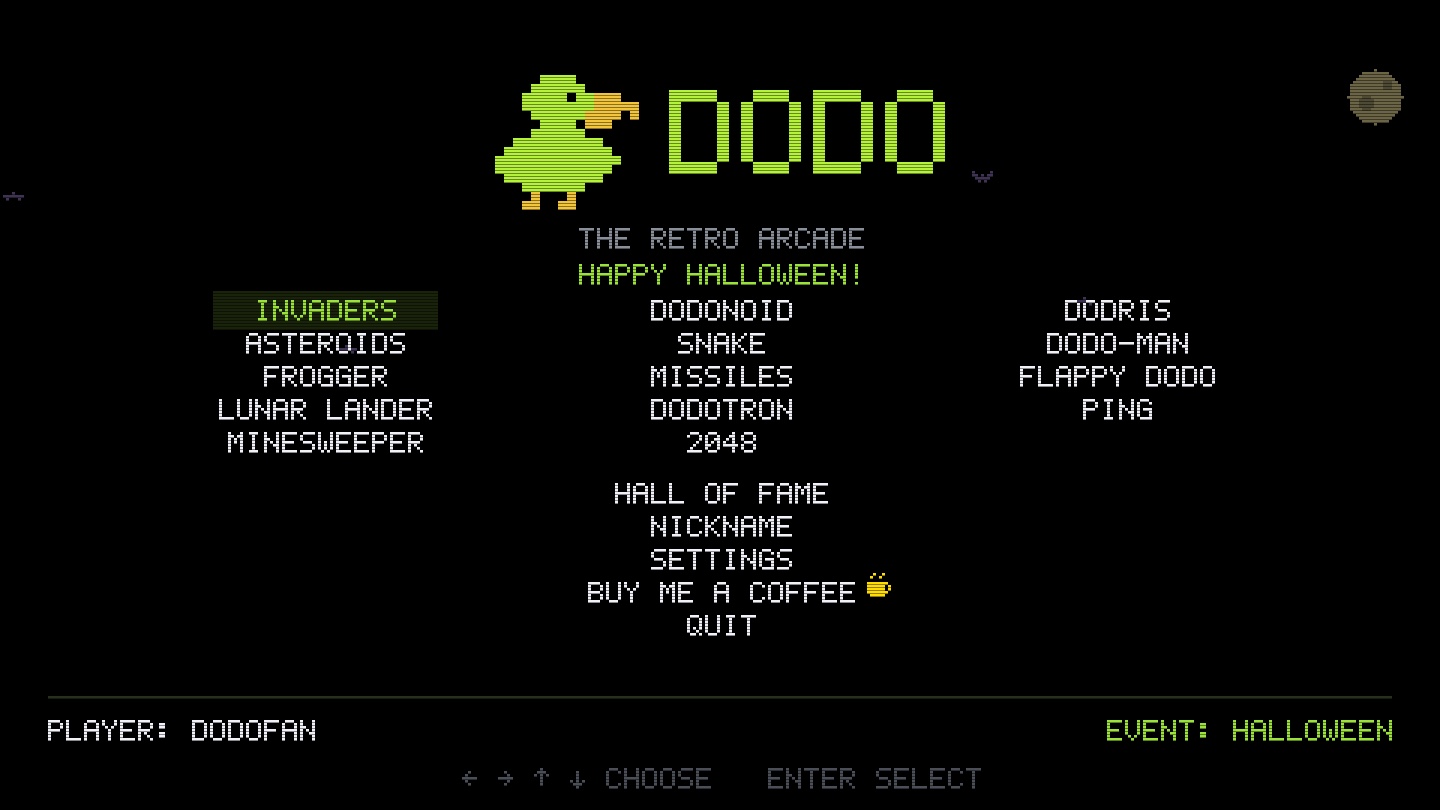
Dodo brings arcade games back to life in a window with crisp pixels, and the look of an old CRT screen if you like. Four games, four classics: Invaders, the descending fleet; Dodonoid, the brick breaker and its power-ups; Dodris, the falling blocks; Ping, electronic tennis, alone against the computer or with two players. Every game counts in a worldwide Hall of Fame, one ranking per game with every player's flag. And the year goes by in the cabinet: at Halloween, Christmas, Easter or on Valentine's Day, pumpkins, trees or bunnies sneak in among the invaders. Dodo is free, on Mac and on Windows PCs.
What Dodo does
Four arcade games
The great classics, true to the cabinet, no coins needed.
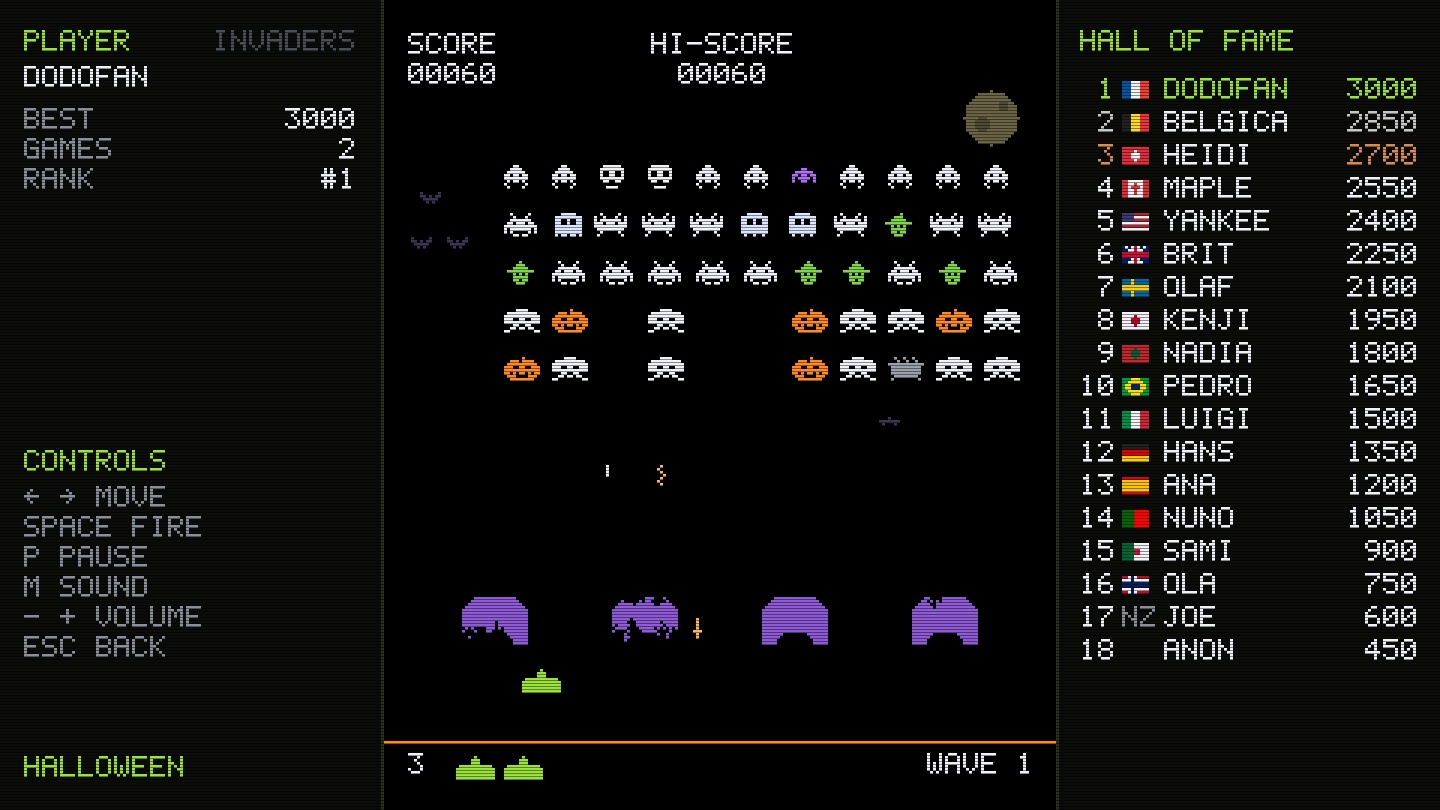
- Invaders: the fleet speeding up as it descends, crumbling shields, the mystery saucer.
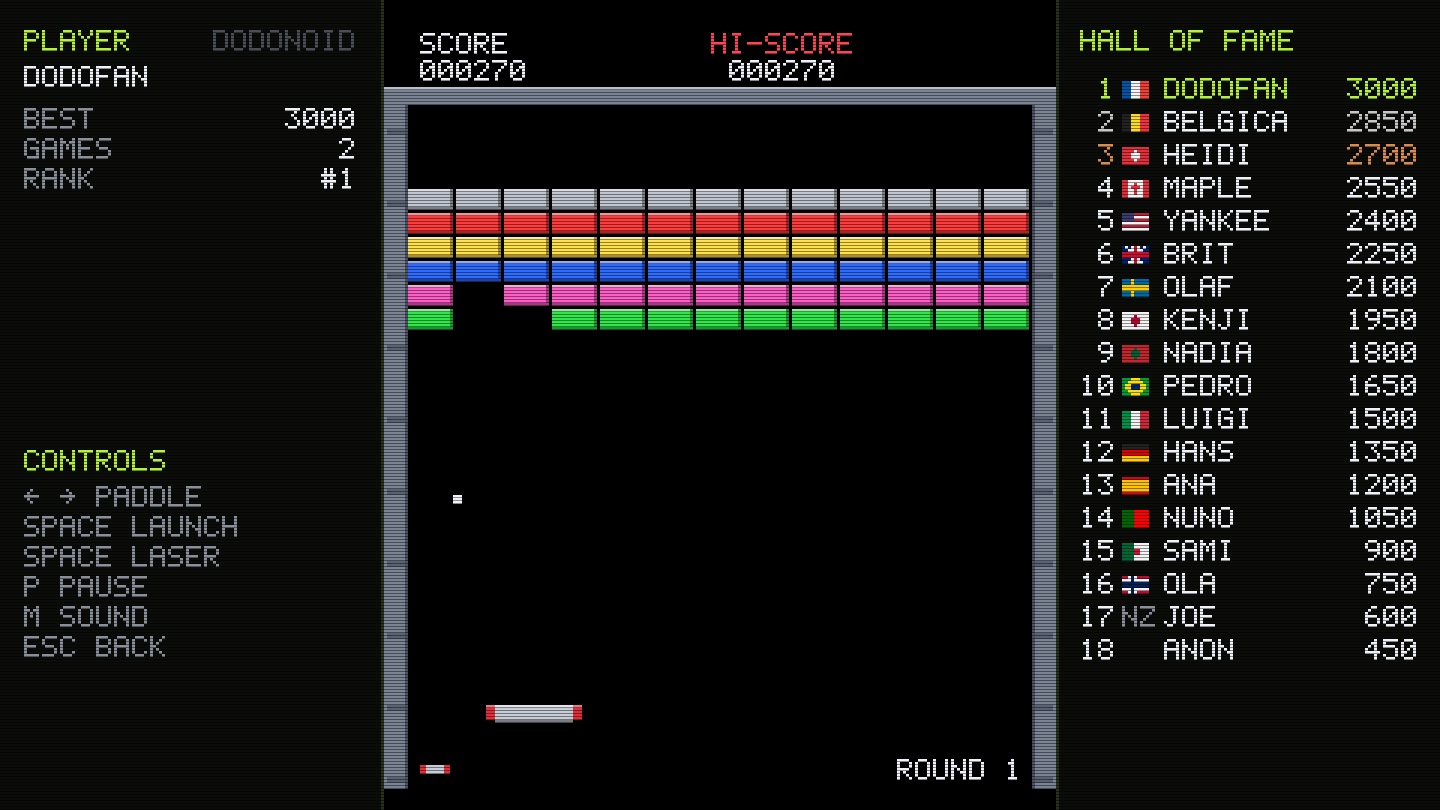
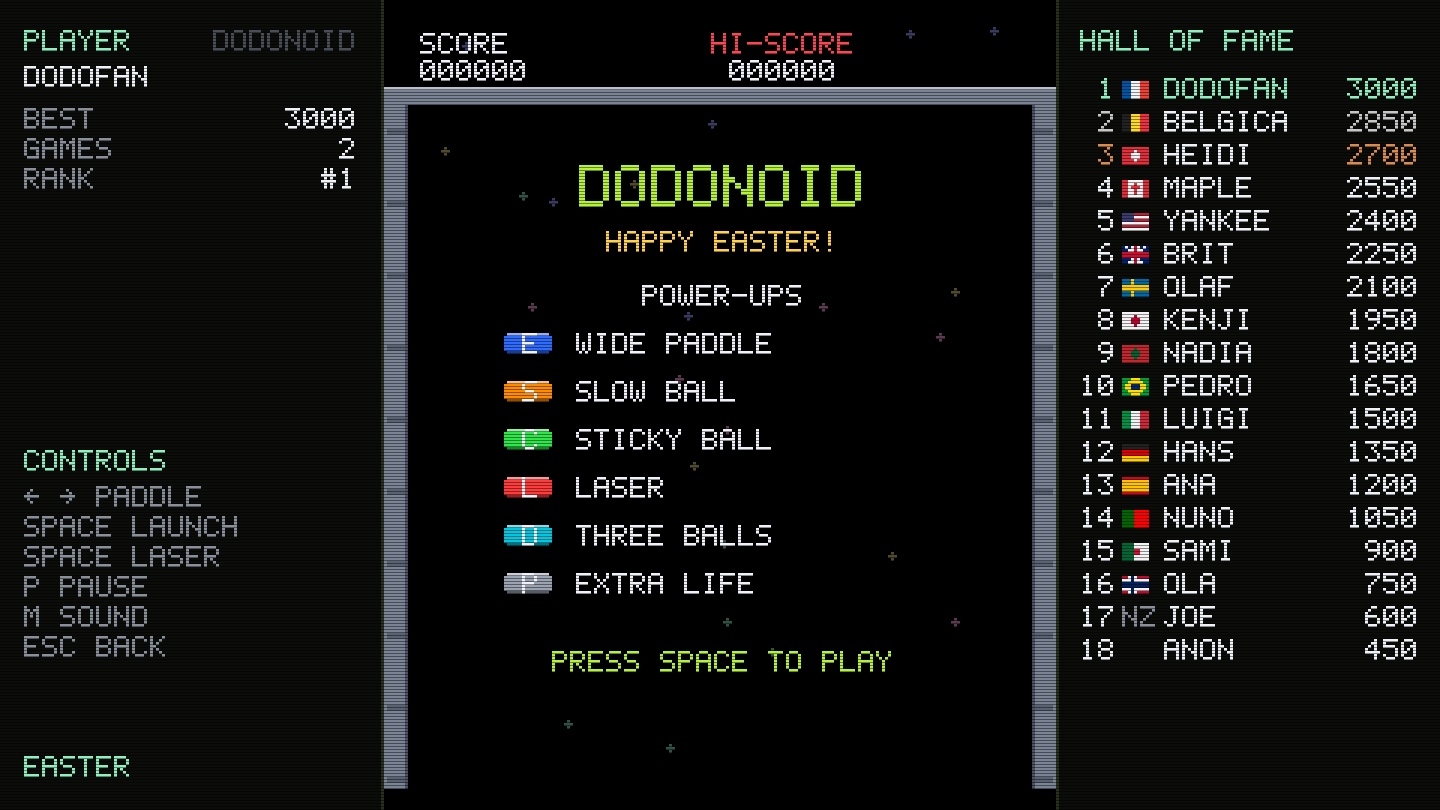
- Dodonoid: the brick breaker and its eight stages, silver that resists, indestructible gold, and the power-ups — wide paddle, sticky ball, laser, three balls.
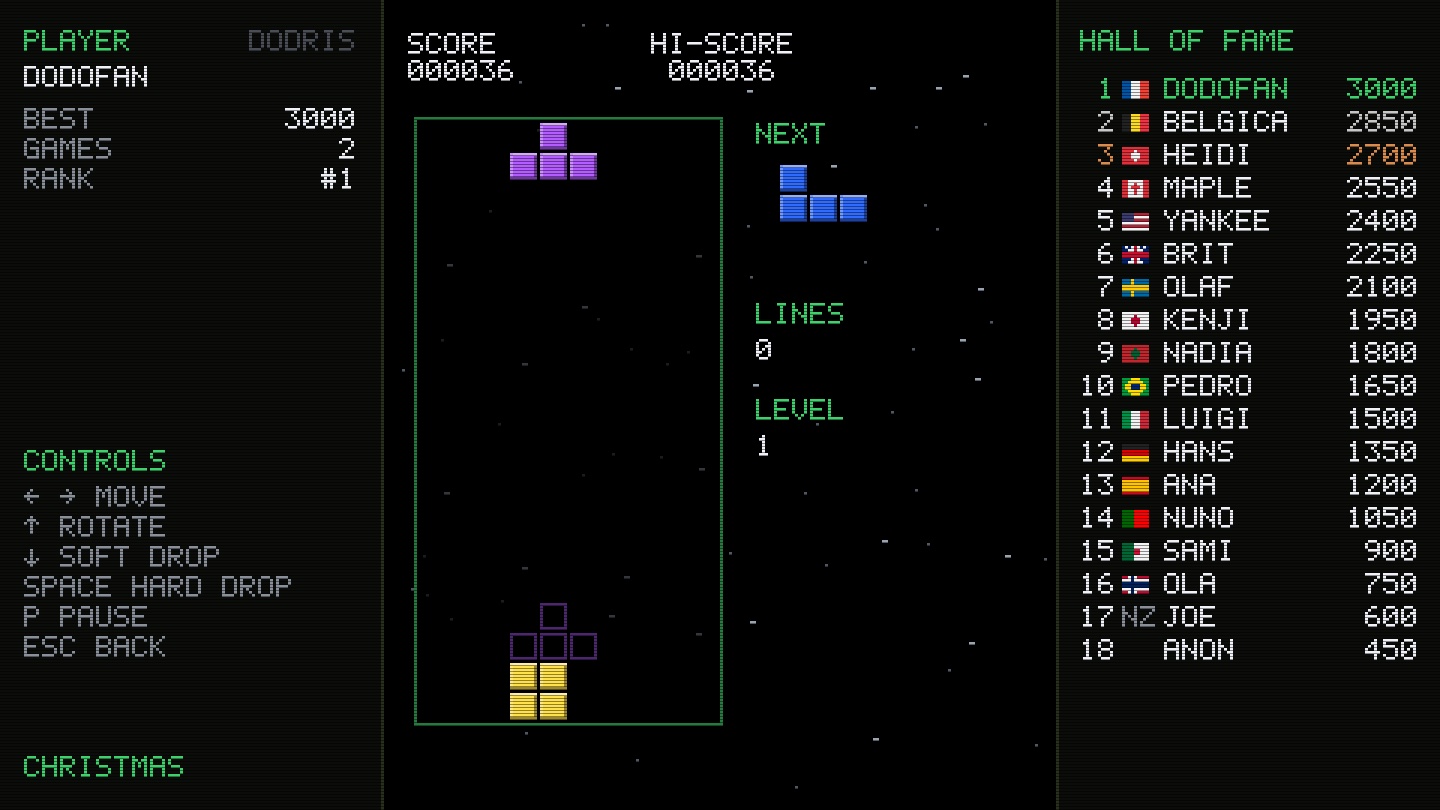
- Dodris: the seven pieces to fit together, lines that disappear, a fall that speeds up every ten lines.
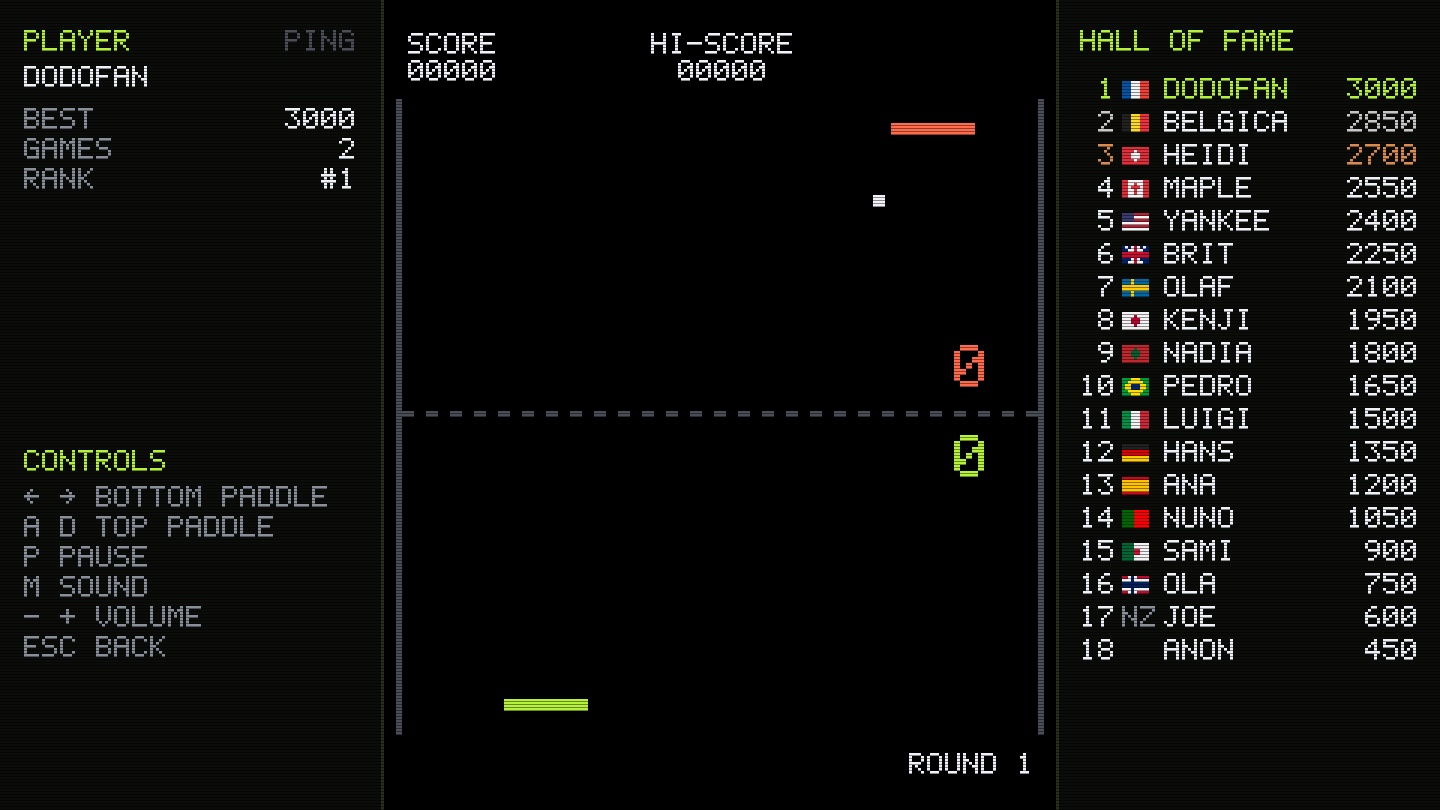
- Ping: electronic tennis in portrait format, against the computer (ever harder rounds) or two players on the same keyboard.
A worldwide Hall of Fame
Every game counts, and you know where you stand.
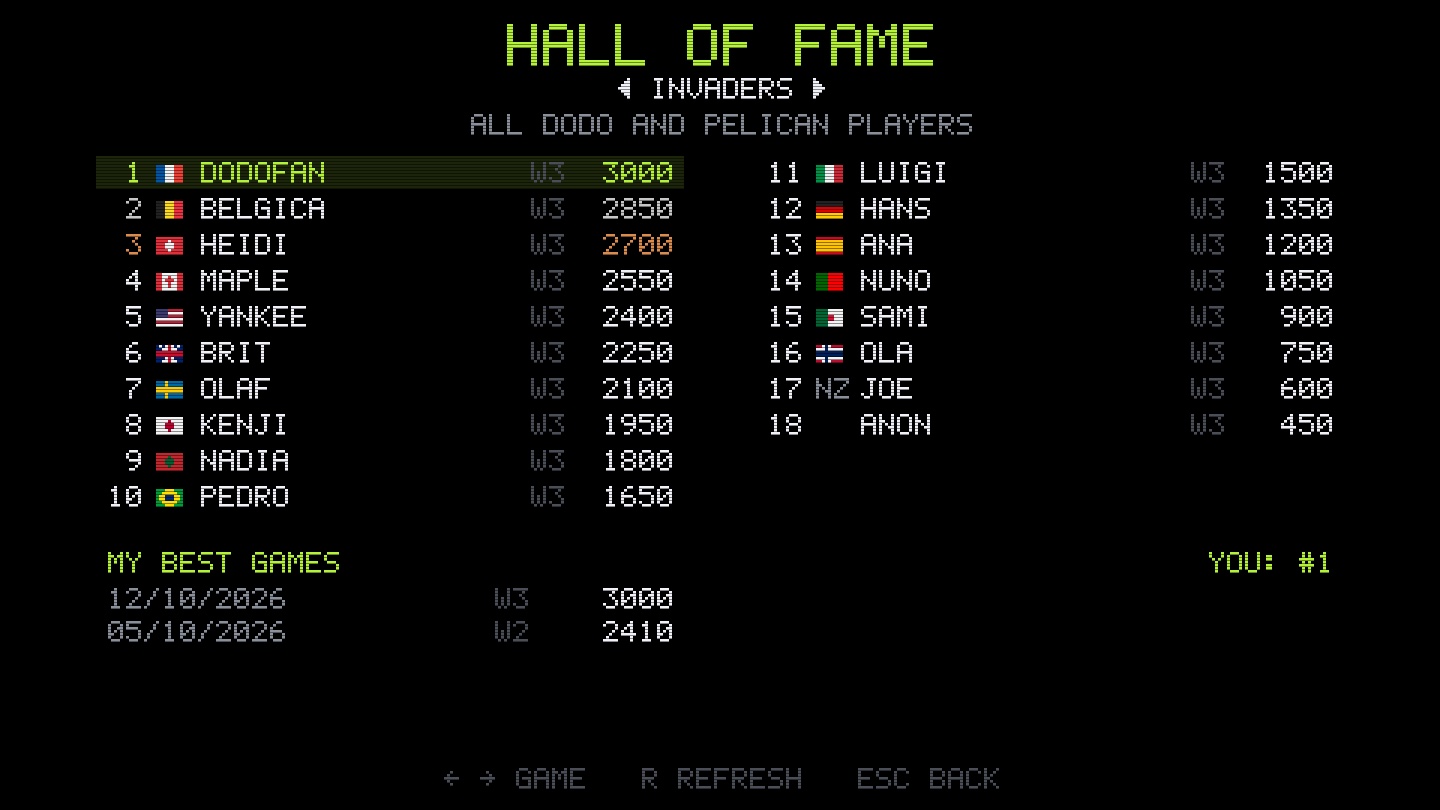
- One ranking per game, shared by all Dodo players (and Pelican players for Invaders).
- Every player's country flag next to their nickname.
- Your nickname follows you: on the same connection you get it back on another computer, with your scores.
- Offline, your games wait and are sent automatically later.
The cabinet follows the year
Holidays change the colors, the creatures, the scenery and the music.
- Halloween: pumpkins, ghosts, witches and bats under the moon.
- Christmas: trees, presents, snowmen and a sleigh, in the snow.
- Easter, Valentine's Day, April Fools, New Year, Music Day, Bastille Day.
- The creatures sneak in among the invaders now and then, and one wave in three is fully dressed up.
A real cabinet
The spirit of the arcades, on your screen.
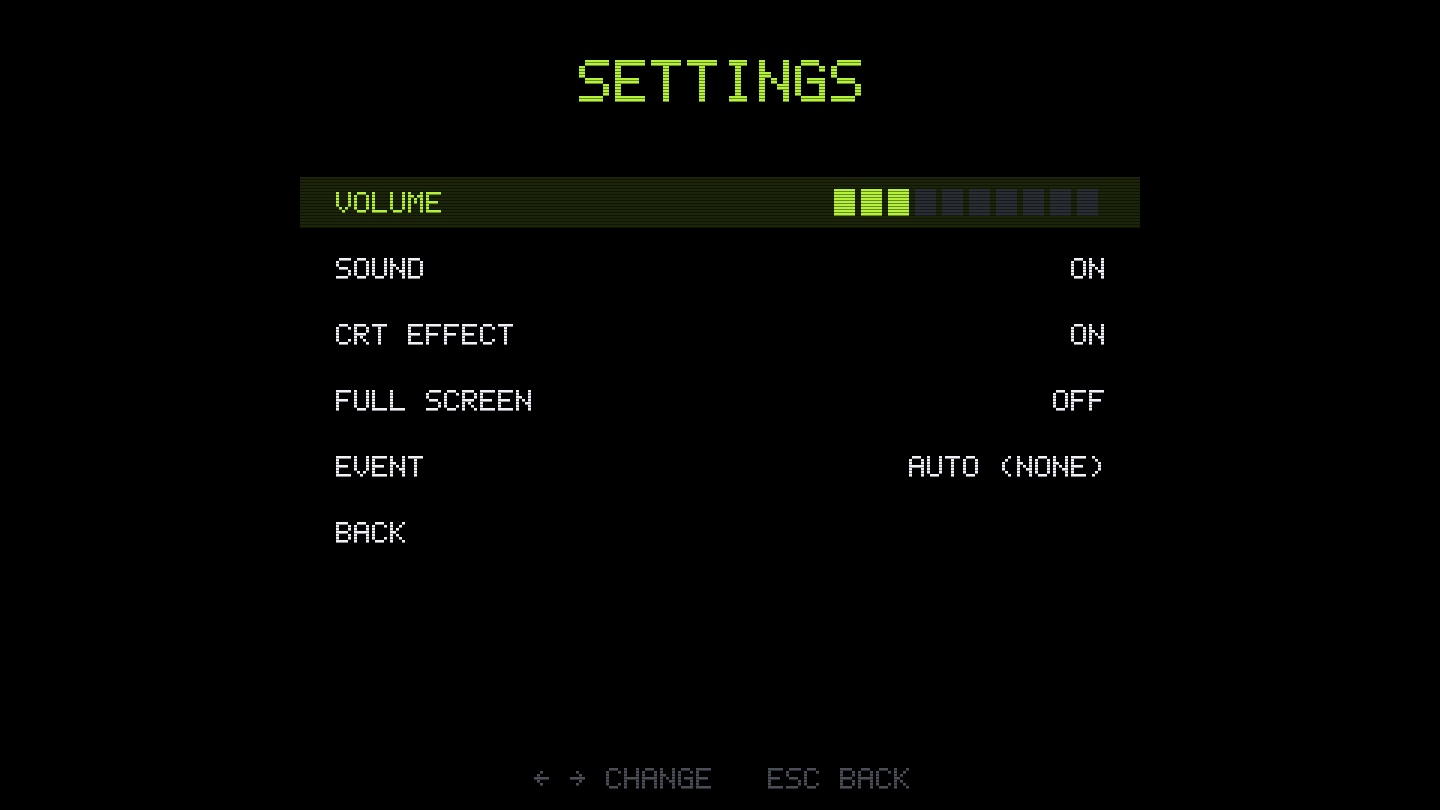
- Crisp pixels: the picture is scaled by a whole factor, never blurred; optional CRT screen effect.
- Keyboard or gamepad, full screen (F11), synthesized period sounds.
- The high score, your games and your rank always shown next to the game.
In pictures
A coffee for what's next
Dodo is free, ad-free, and will stay that way. I develop it in my spare time: every coffee helps fund the next versions, fixes and new features, and tells me the app is useful to you.
Installation
On Mac
- Download the .zip fileIt unzips on its own in the Downloads folder.
- Drag Dodo to ApplicationsIn the Finder, into your Mac's Applications folder.
- Open DodoThe app is signed and notarized by Apple: it opens without a warning.
On a Windows PC
- Download the .msi fileIt lands in the Downloads folder.
- Open itIf Windows shows “Windows protected your PC”, click “More info”, then “Run anyway”.
- Dodo installsNo administrator rights needed; open it from the Start menu or the desktop shortcut.
Requirements
- Free, with no ads.
- On Mac (macOS 11 Big Sur or later, Apple silicon or Intel) and on Windows PCs (Windows 10 or 11, 64-bit).
- Available in English, French and Spanish: the app follows your computer's language.
- The Hall of Fame only stores your nickname, your scores and your connection's country; no account to create.


